
The Custom option lets you use your own Mapbox map design.
To do this, you first need to create a custom style in your Mapbox account. Mapbox will then provide you with a Style URL.
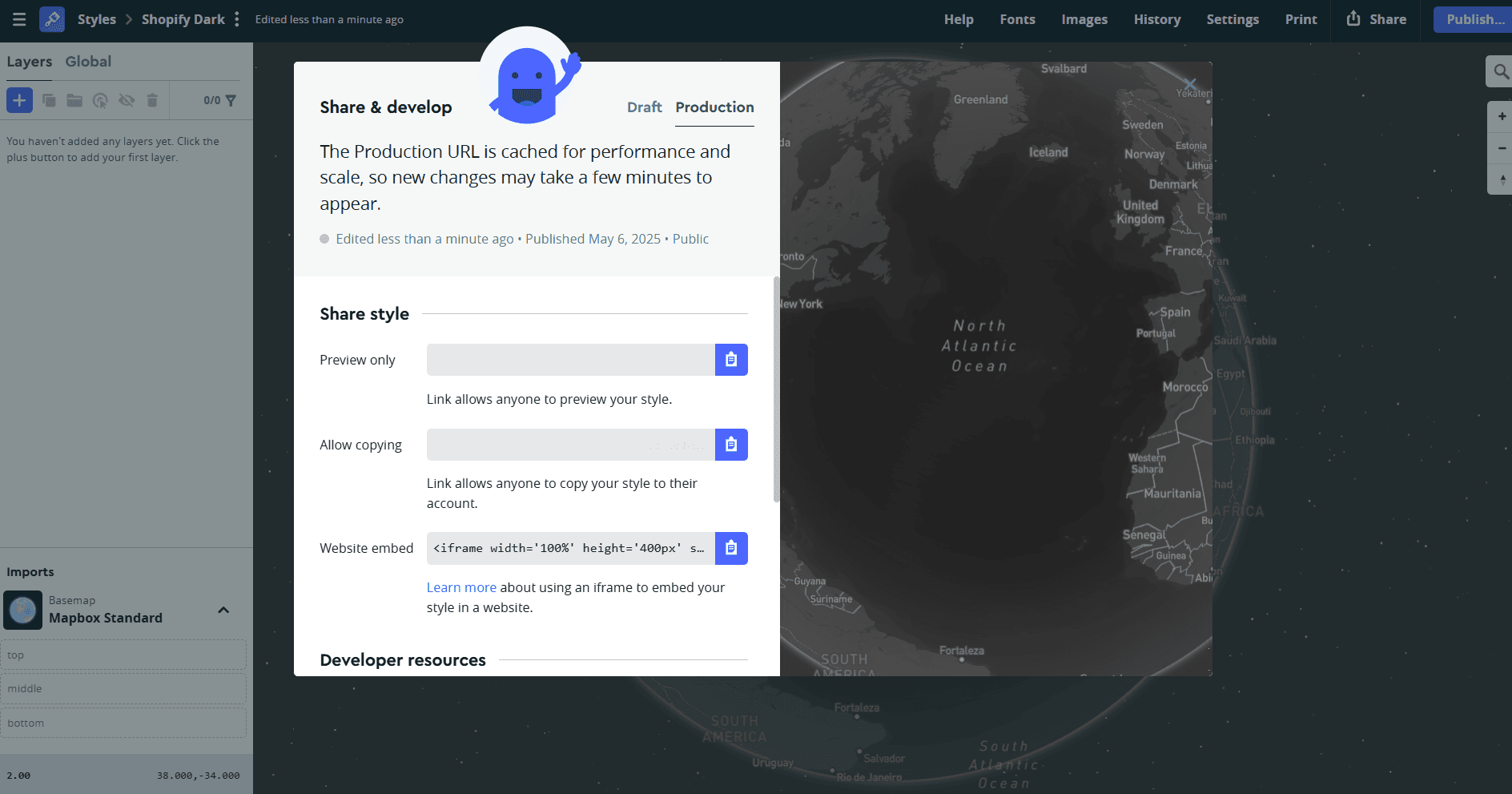
Where Do I Add the Custom Style URL?#
You can paste it directly in the Store Locator settings:
- 1Go to Settings → Map
- 2Under Mapbox Settings, find the field Custom Mapbox Style URL
- 3Paste your style link there
Once added, you can select Custom as your map style.
How Do I Get the Style URL from Mapbox?#
- 1In Mapbox, open Studio
- 2Create or select a style
- 3Copy the Style URL provided by Mapbox
The Style URL usually looks like: mapbox://styles/your-username/your-style-id
That link is what you paste inside the Store Locator app.
You need a Mapbox API key connected before custom styles will work. See Set Up Your Mapbox Key if you haven't done this yet.