
Installing the Store Locator app is quick and can be done in two ways.
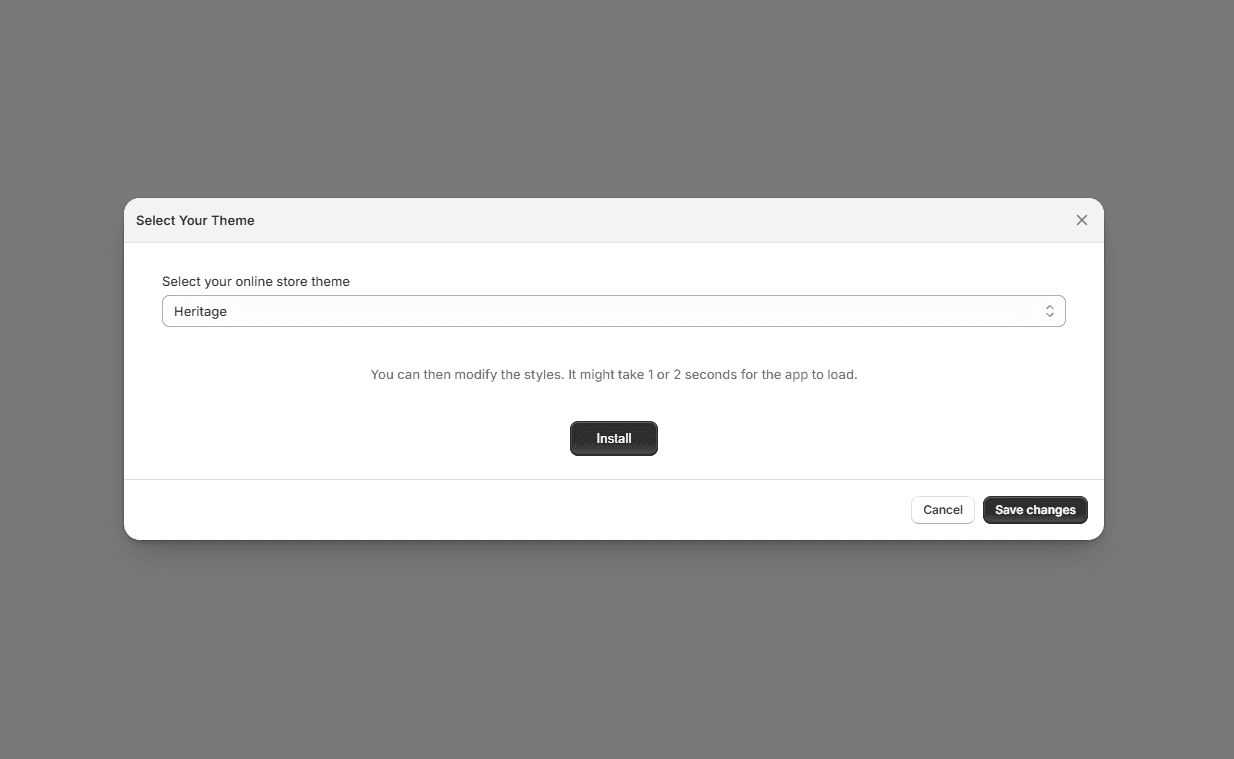
Option 1: Install from the Installation Page#
- 1Open the Store Locator app in your Shopify Admin.
- 2Go to the Installation page.
- 3Click Install to add the Store Locator directly to your store.
- 4Remember to click Save
This is the fastest way to publish the locator with the default setup.
Option 2: Add the Store Locator Block in the Theme Editor#
You can also place the Store Locator manually in your theme for more control over its position:
- 1In your Shopify Admin, go to Online Store → Themes.
- 2Click Customize to open the Theme Editor.
- 3Choose the page where you want the Store Locator to appear.
- 4Click Add block.
- 5Select the Mapular Store Locator block from the app section.
- 6Save your changes.
This option gives you more control over where the locator is displayed in your store layout.