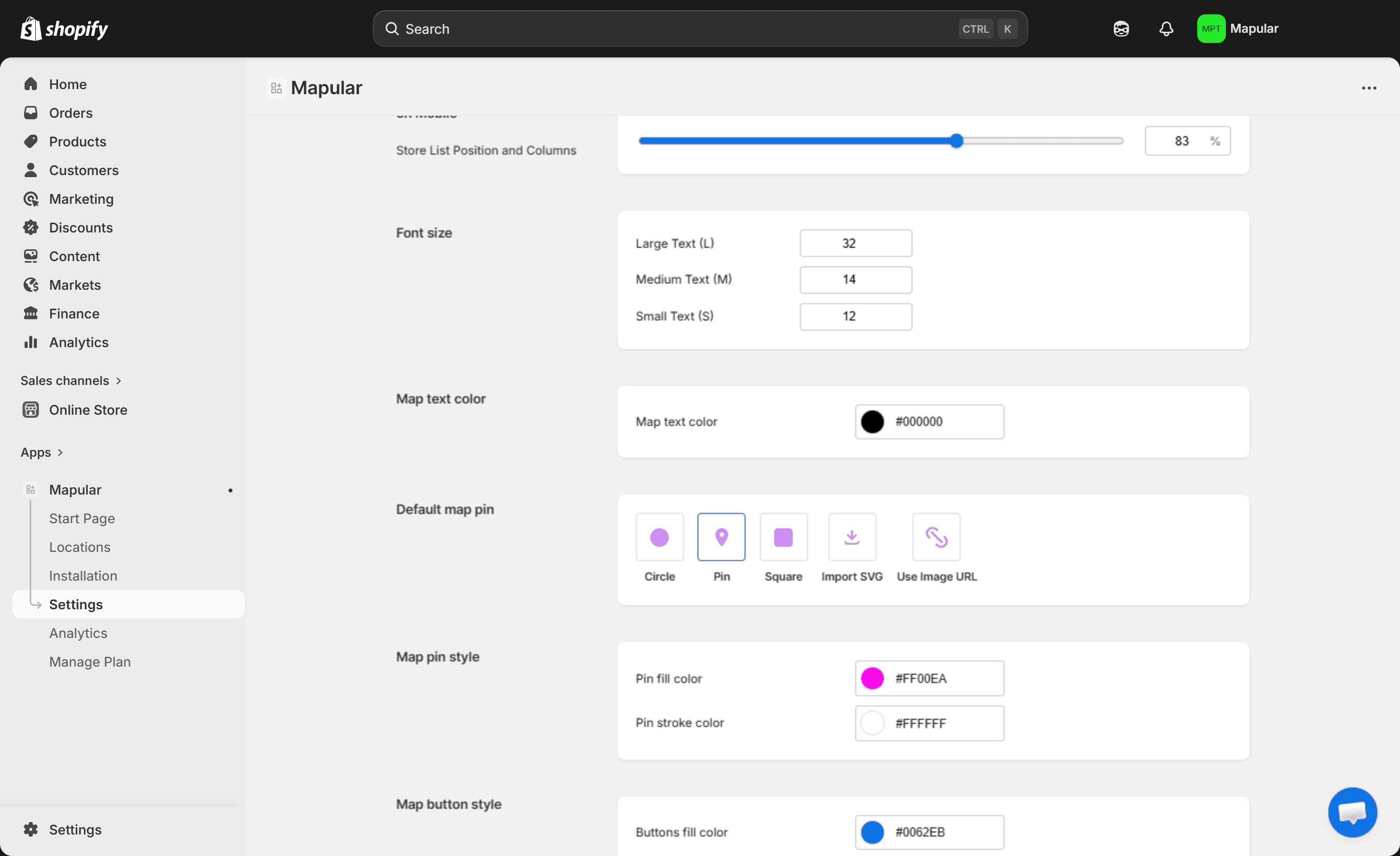
Once your stores are added, you can customize how your Store Locator looks and works from the Settings page.
All options are organized into simple tabs:
General#
Manage your store list and basic behavior:
- Sort and limit the store list
- Show or hide data in the store details
- Configure the search bar
- Set opening hours display options
Map#
Control how your map is displayed:
- Choose between OpenStreetMap or Mapbox
- Connect your Mapbox API key
- Select a map style
- Enable features like directions, pop-ups, or clustering
Filters#
Let customers narrow down stores by:
- Open now
- Products
- Distance
Filters can be turned on or off anytime from the Settings page.
Content#
Customize the text displayed inside the Store Locator, such as labels, buttons, and messages, to match your store language and branding.
Appearance#
Adjust the layout and overall design of the Store Locator so it fits seamlessly into your Shopify theme across desktop and mobile.