
You can change the look of your Store Locator map anytime from the Map tab in your settings.
Choose Your Map Provider#
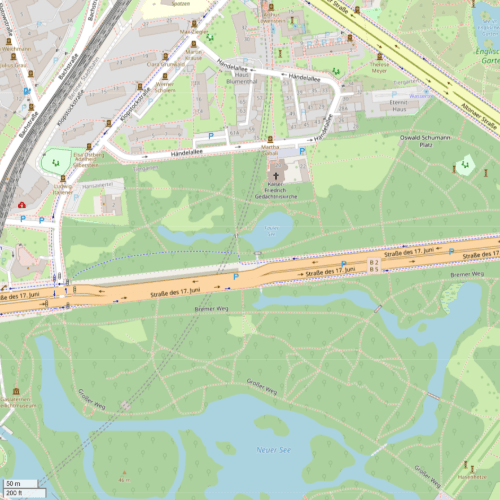
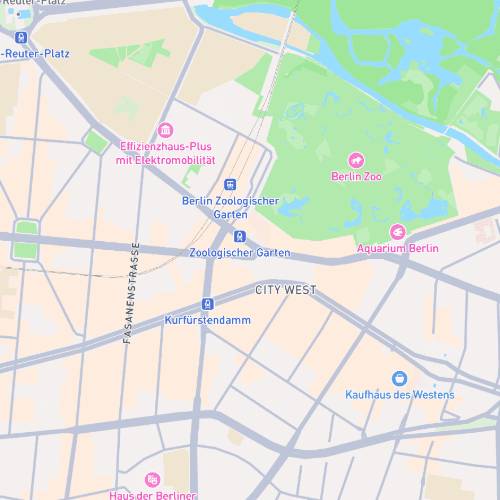
In the Map Provider section, you can select between:
- OpenStreetMap — default style, no API key needed
- Mapbox — additional map styles and customization
If you haven't connected Mapbox yet, see Set Up Your Mapbox Key first.
Select a Map Style#
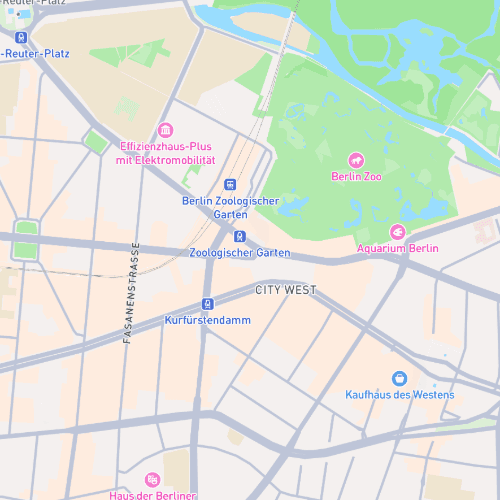
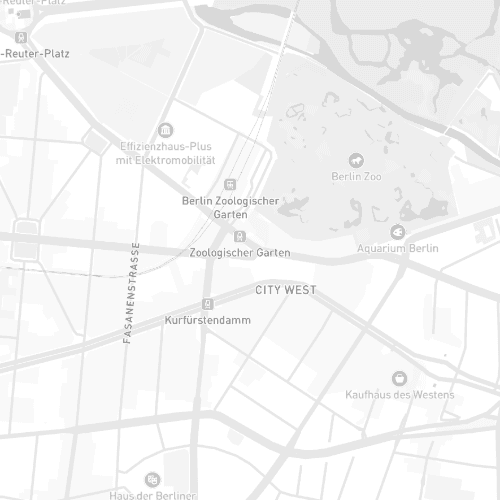
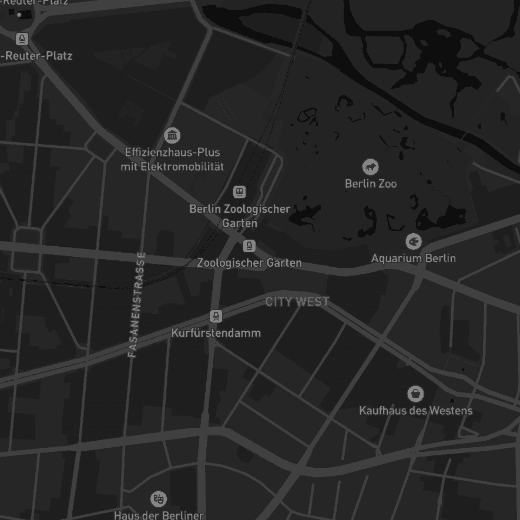
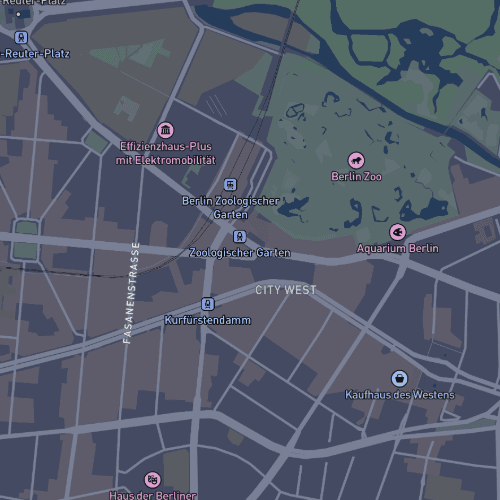
When using Mapbox, you can choose from several map designs:
Using a Custom Style#
The Custom option lets you apply your own Mapbox-designed style, which is great for fully matching your brand colors and theme.
Your selected style updates instantly in the Store Locator.
See Using a Custom Style for instructions on how to get your Style URL from Mapbox Studio.